
The story
The presets I use on my own client photo work.
These were never made to sell. They are the Lightroom presets I actually edit with, on paid client shoots and my own travel photography, refined over years until they became my default look. Every photo on my feed runs through one of them.
I build each one right inside Lightroom, the same app you already use. No plugins, nothing extra to install. Drop a preset onto a RAW file and the cinematic base is there in one click. Cool tones in the shadows, and skin that still looks like skin. From there you set white balance and exposure, and the edit is done.
The point is consistency. Your gallery starts to feel like one photographer, not forty different edits, and clients feel that too. One tap gets you most of the way. You keep your own eye for the finish, without losing an hour hunting for a starting point.
This is Volume 01, the first pack in something bigger. Years of client and travel photography went into these looks, and only the ones I kept reaching for made the cut. Buy once, and every refinement I make shows up in your Lightroom for free. More volumes are coming.
Before / after


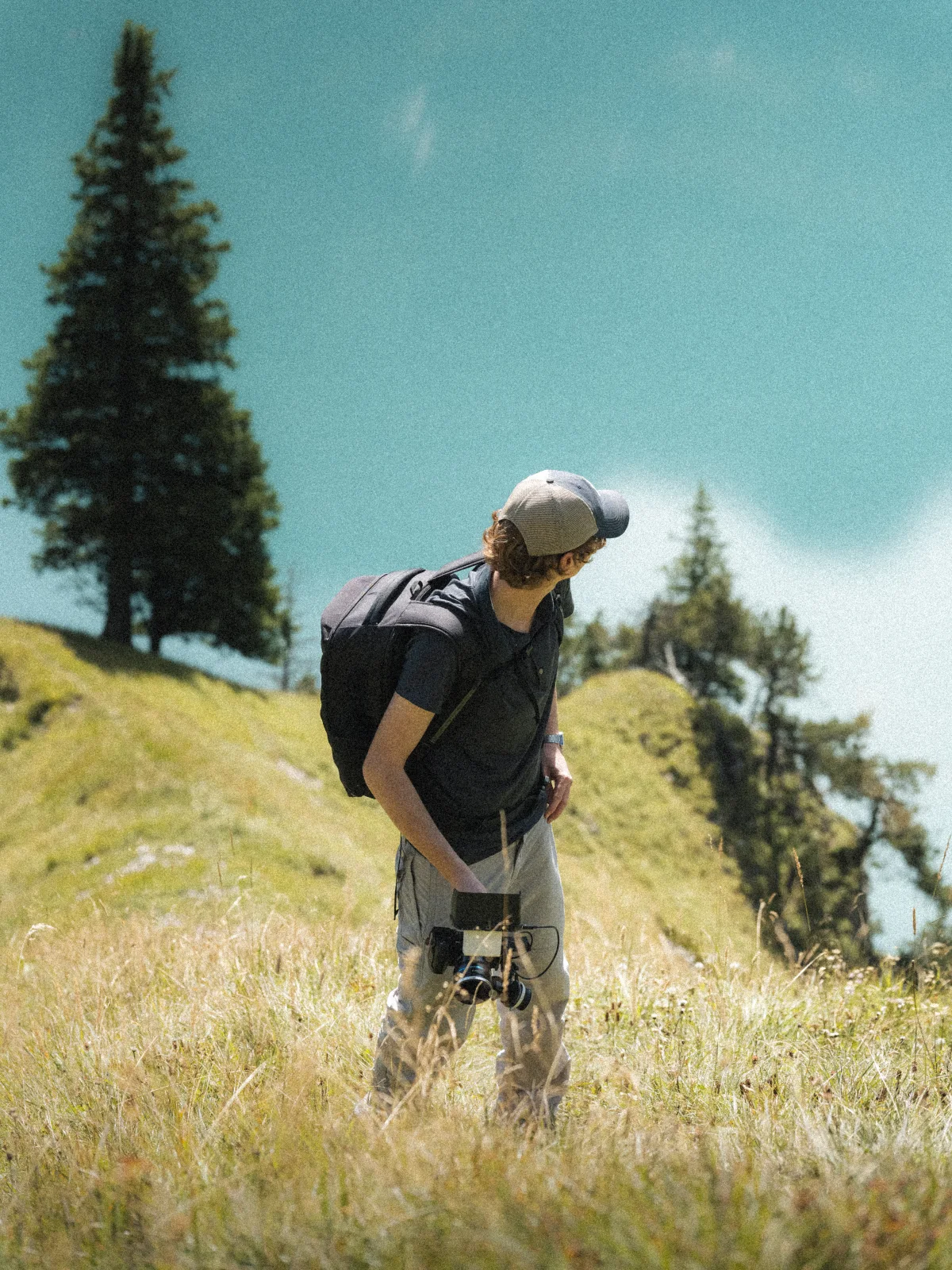
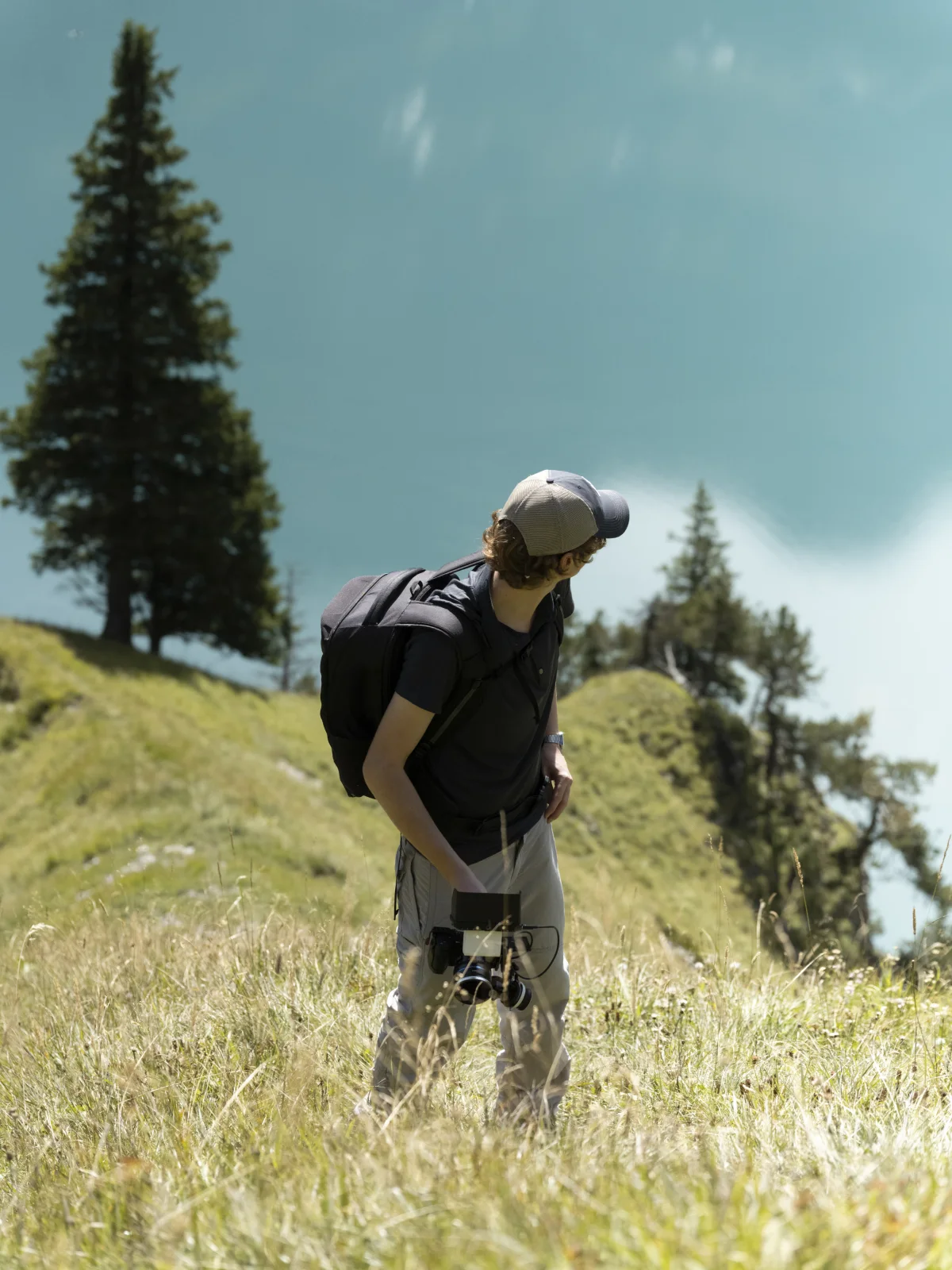

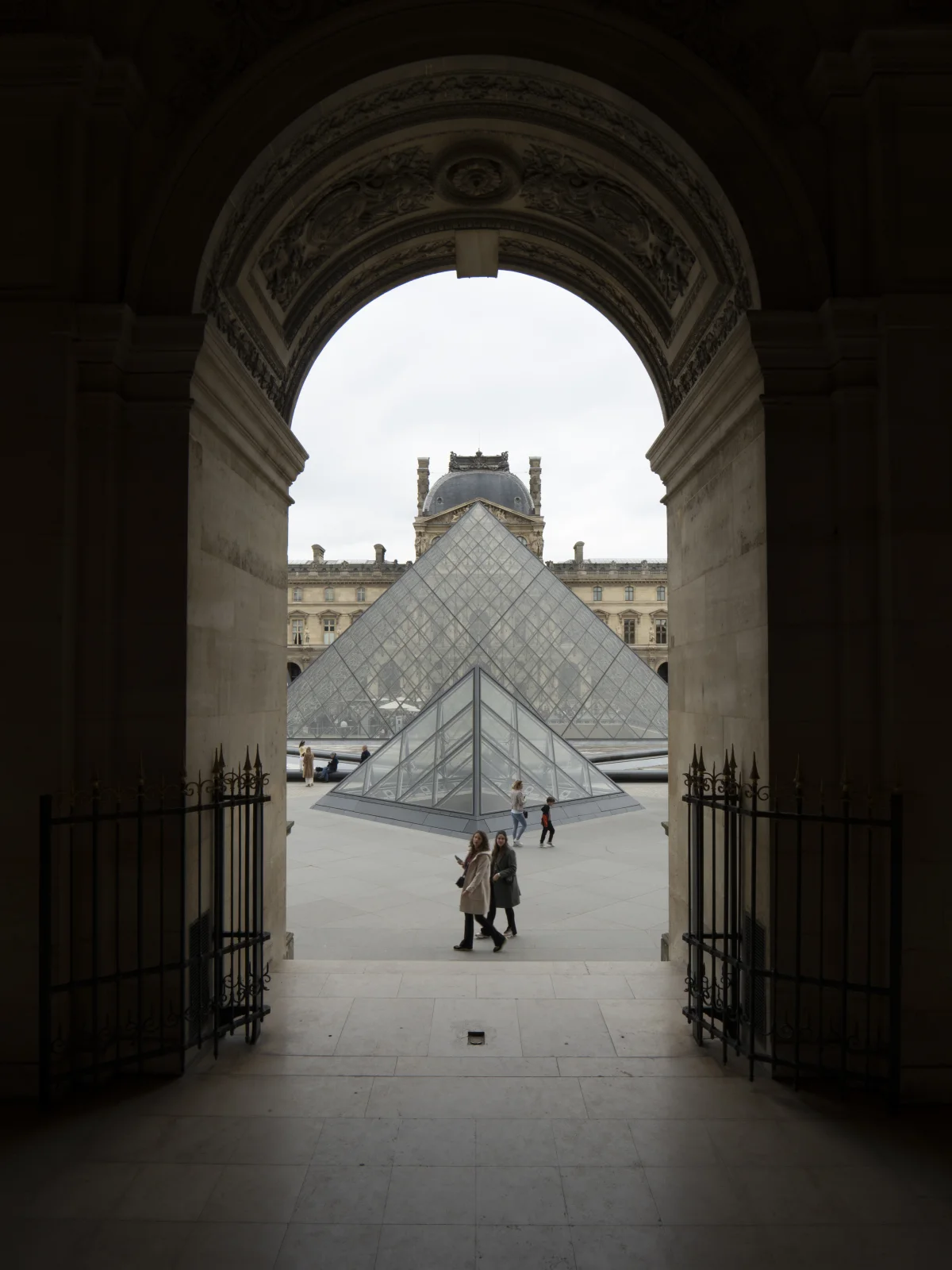
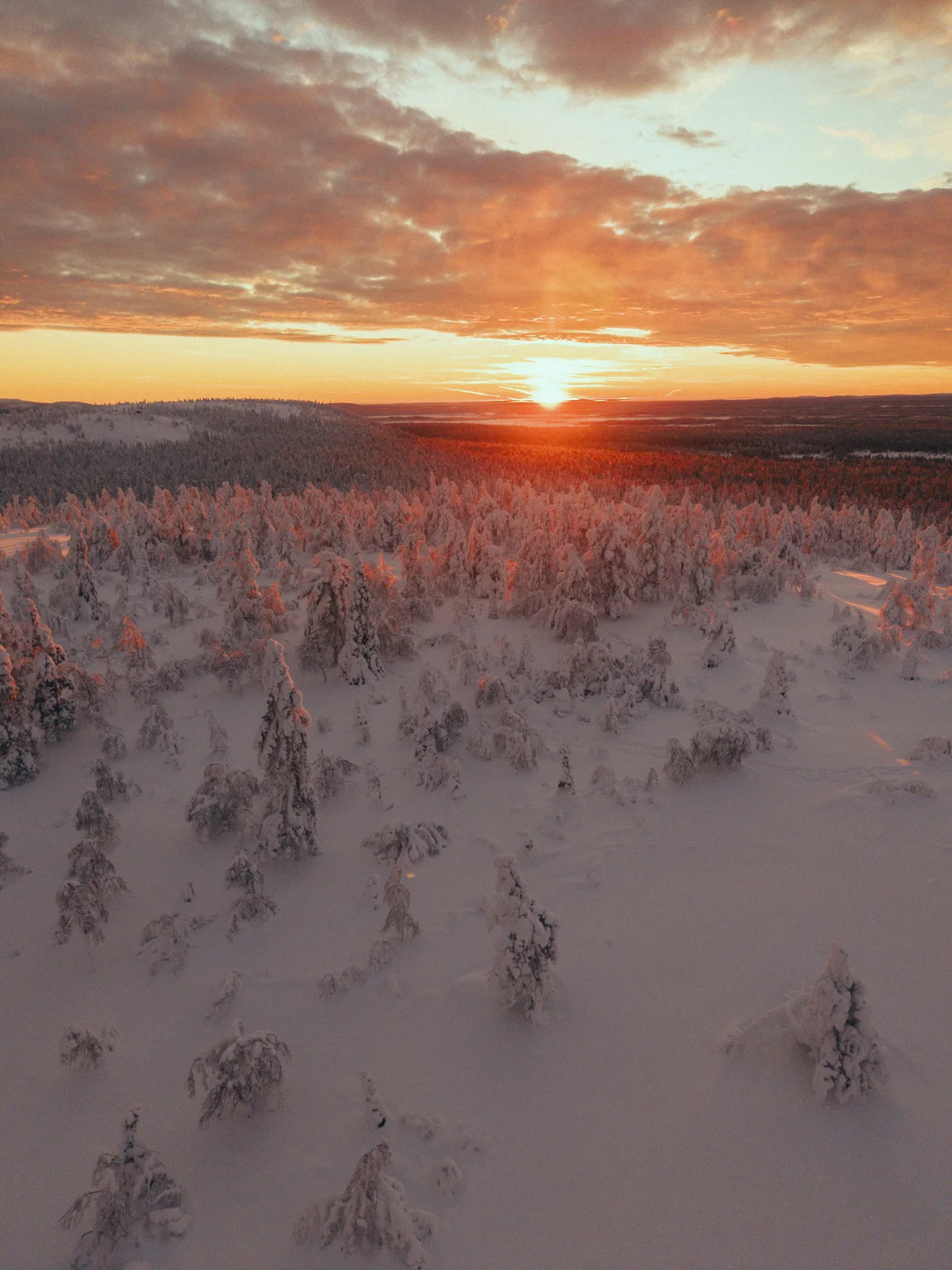
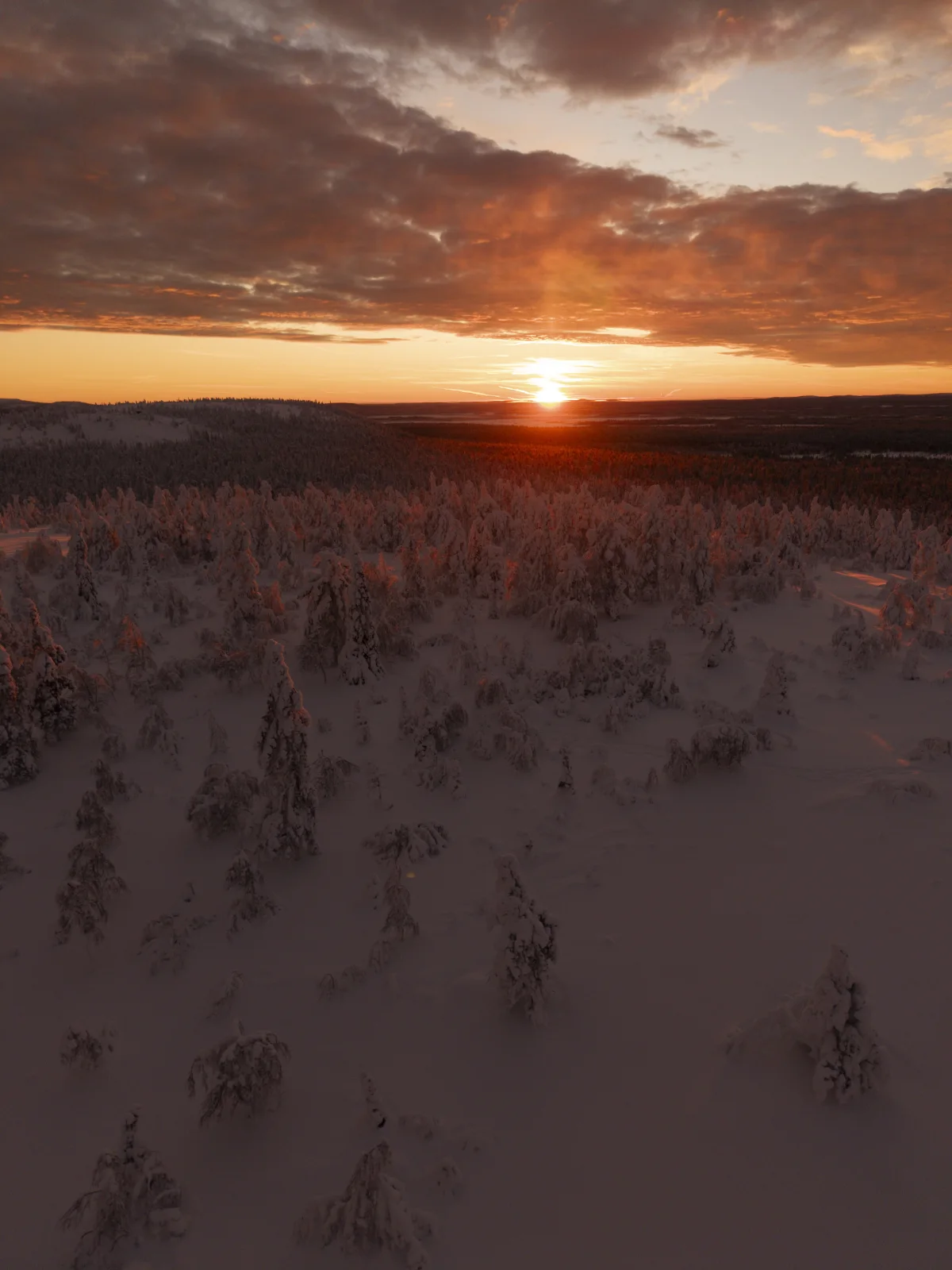

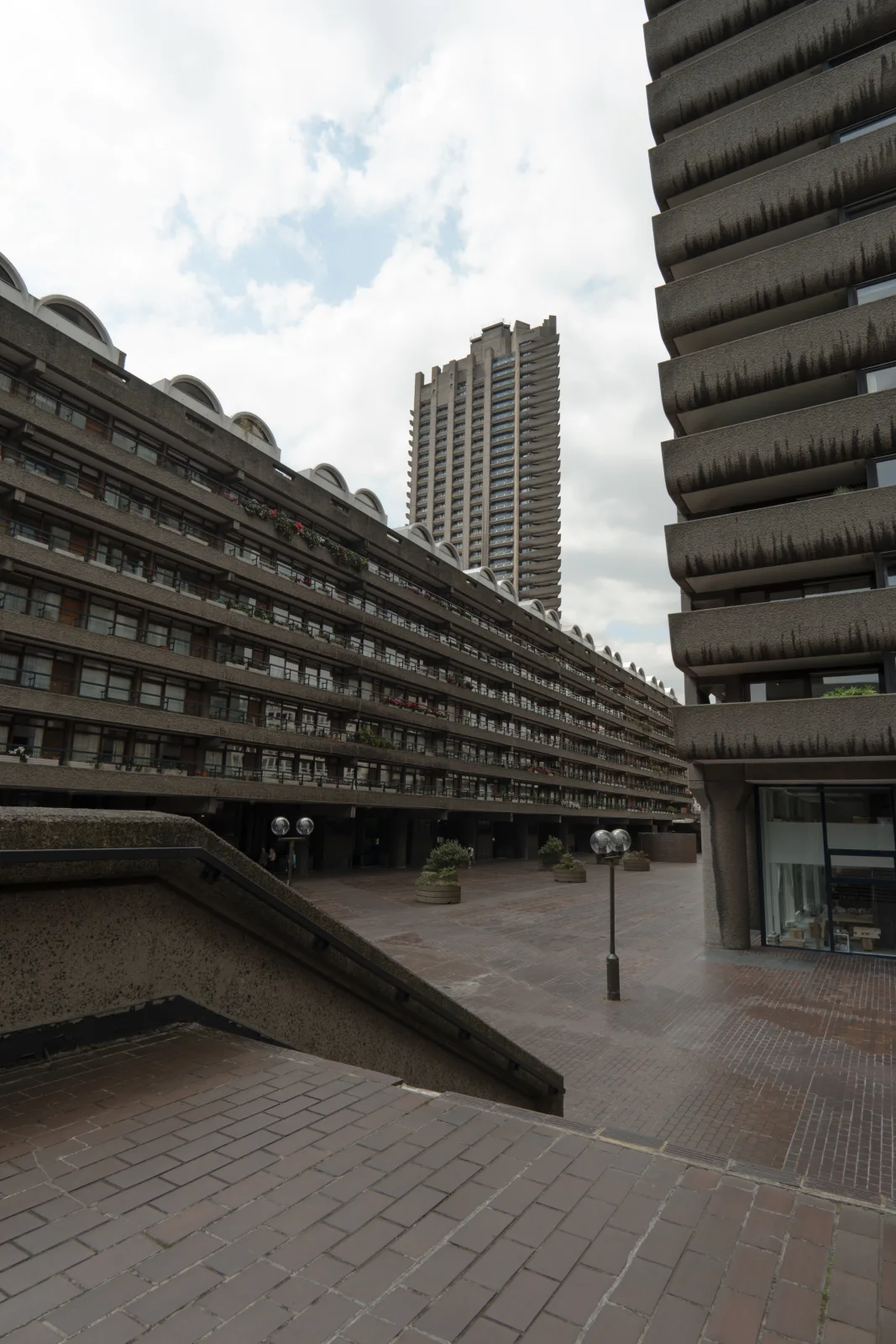
One click
Cinematic does most of the work.
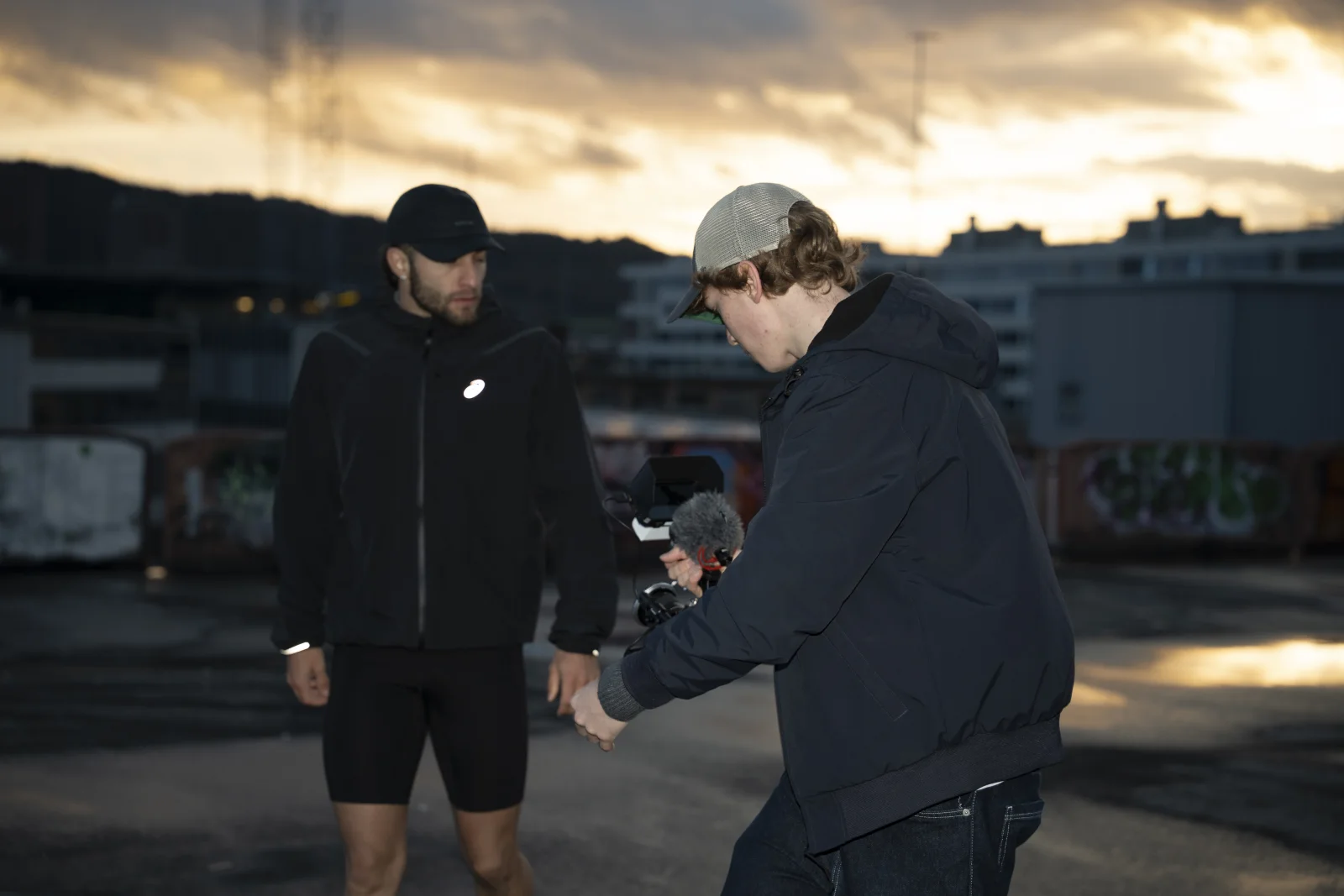
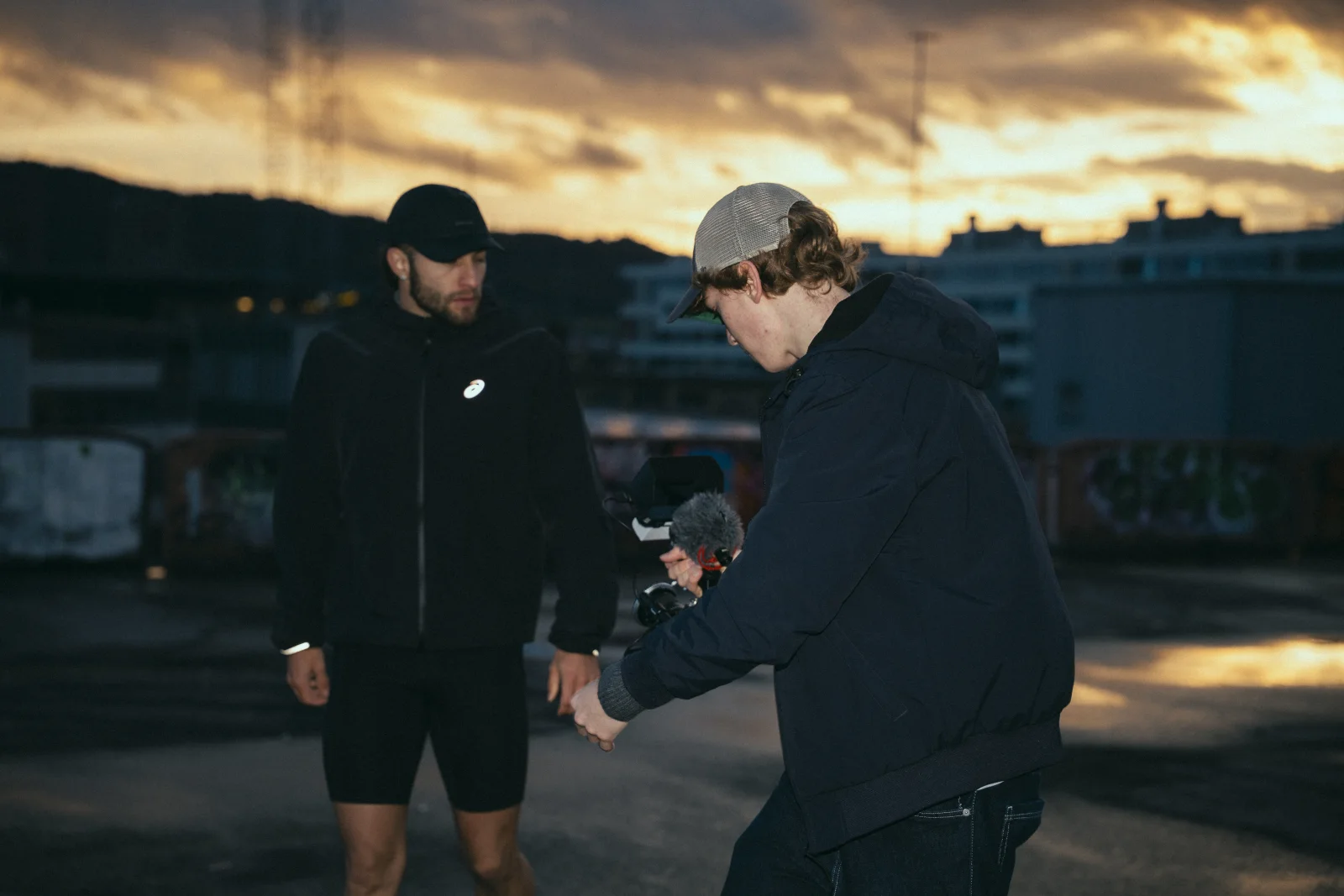
This is the look I reach for first. No sliders, no setup. Watch it flip from flat to graded. Both shots below got one click of Cinematic and nothing else.


Eight presets. Each one has a job.
Film Core
Cool cinematic neutrals for architecture and open landscape.
Cinematic
The everyday base. If you only use one, use this.
Blue Signature
My blue signature. Moody and deep, with clean skin.
Golden Negative
Warm negative film with soft highlights.
Archive 2000
That early 2000s editorial gloss.
Mono Grain
Black and white with real grain.
Tungsten 800T
For night and neon.
Super 8
A grainy film diary look, made for phone shots.
Test the presets
See every look on one shot.
Click a preset. The photo updates like you tapped it in Lightroom.
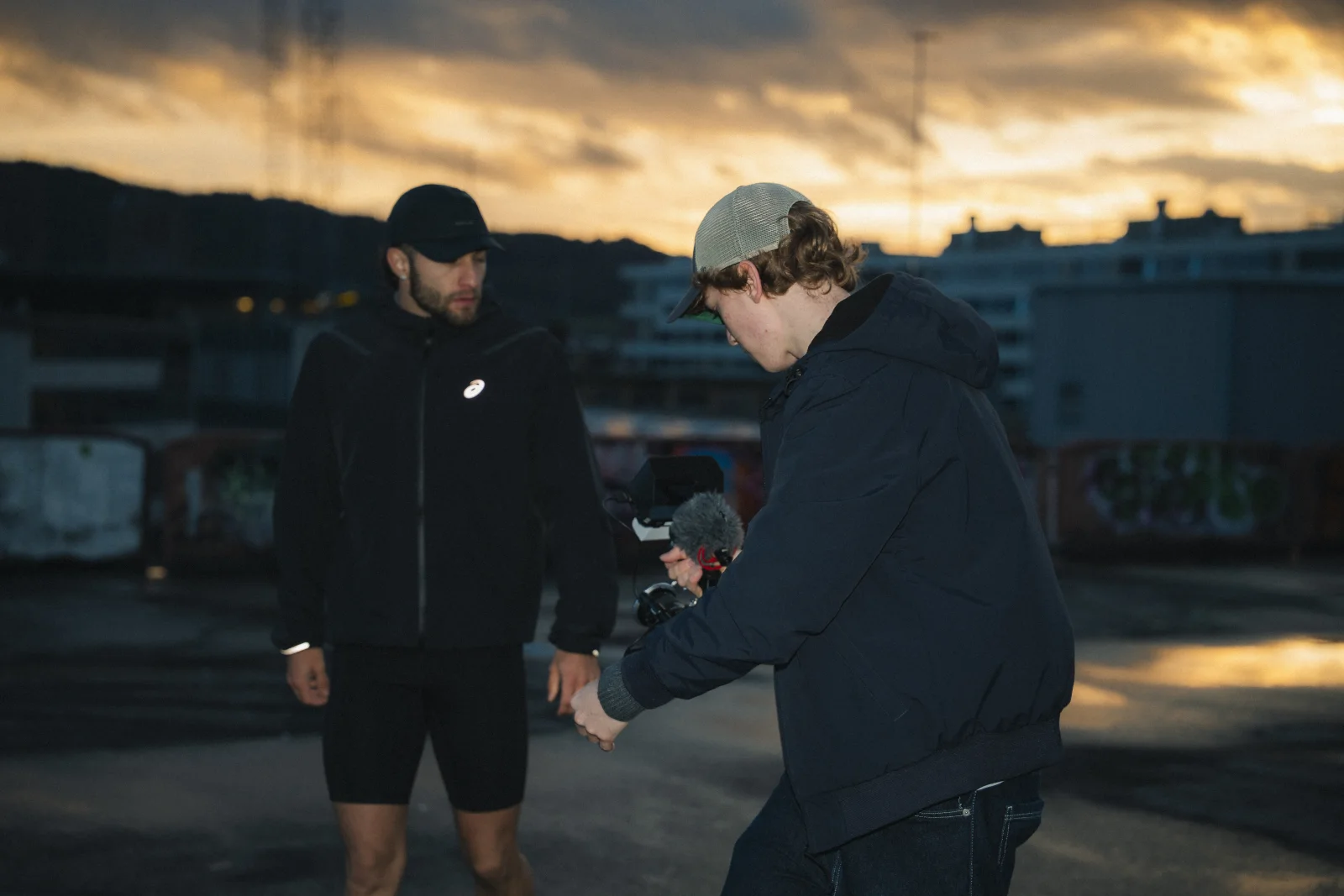


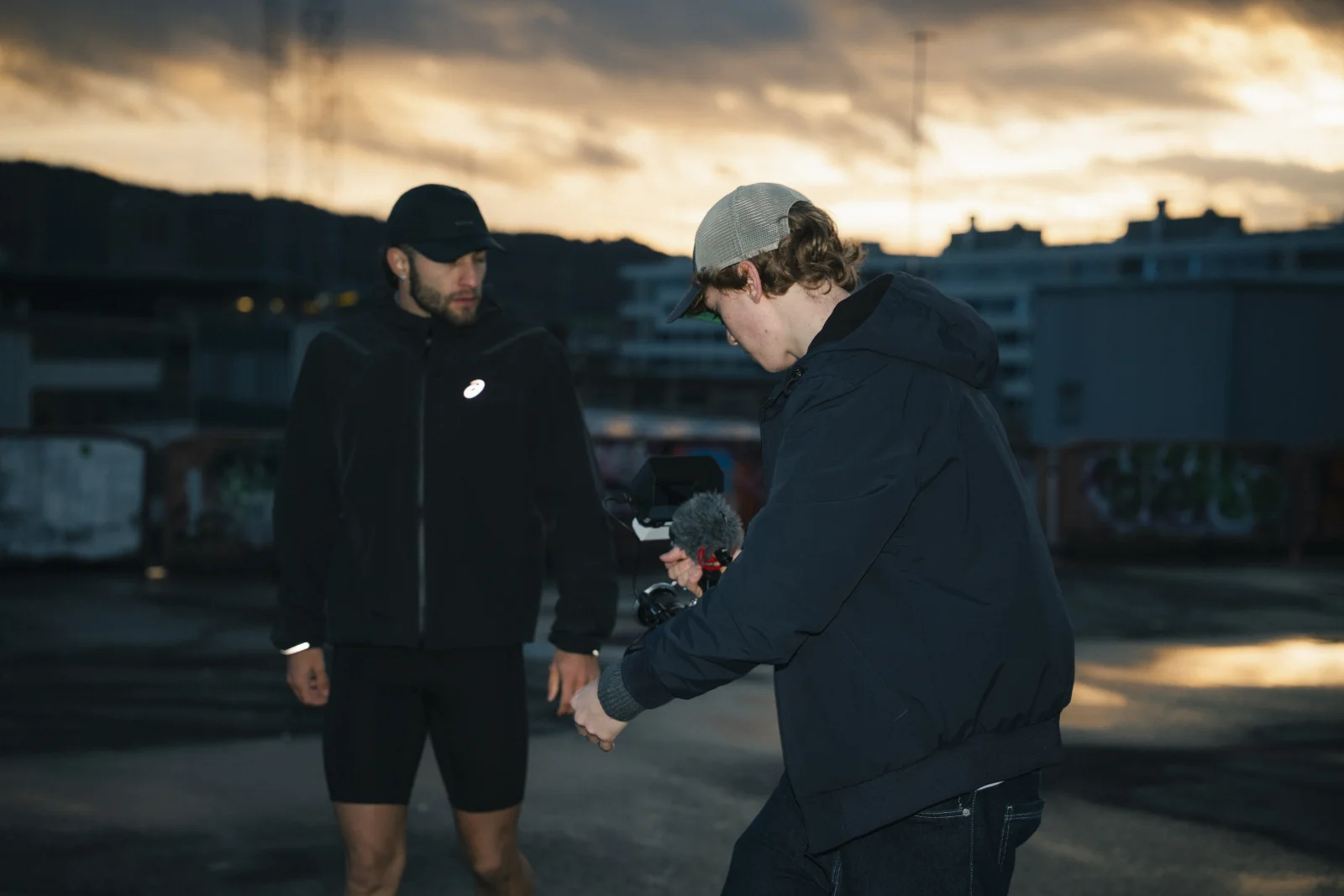
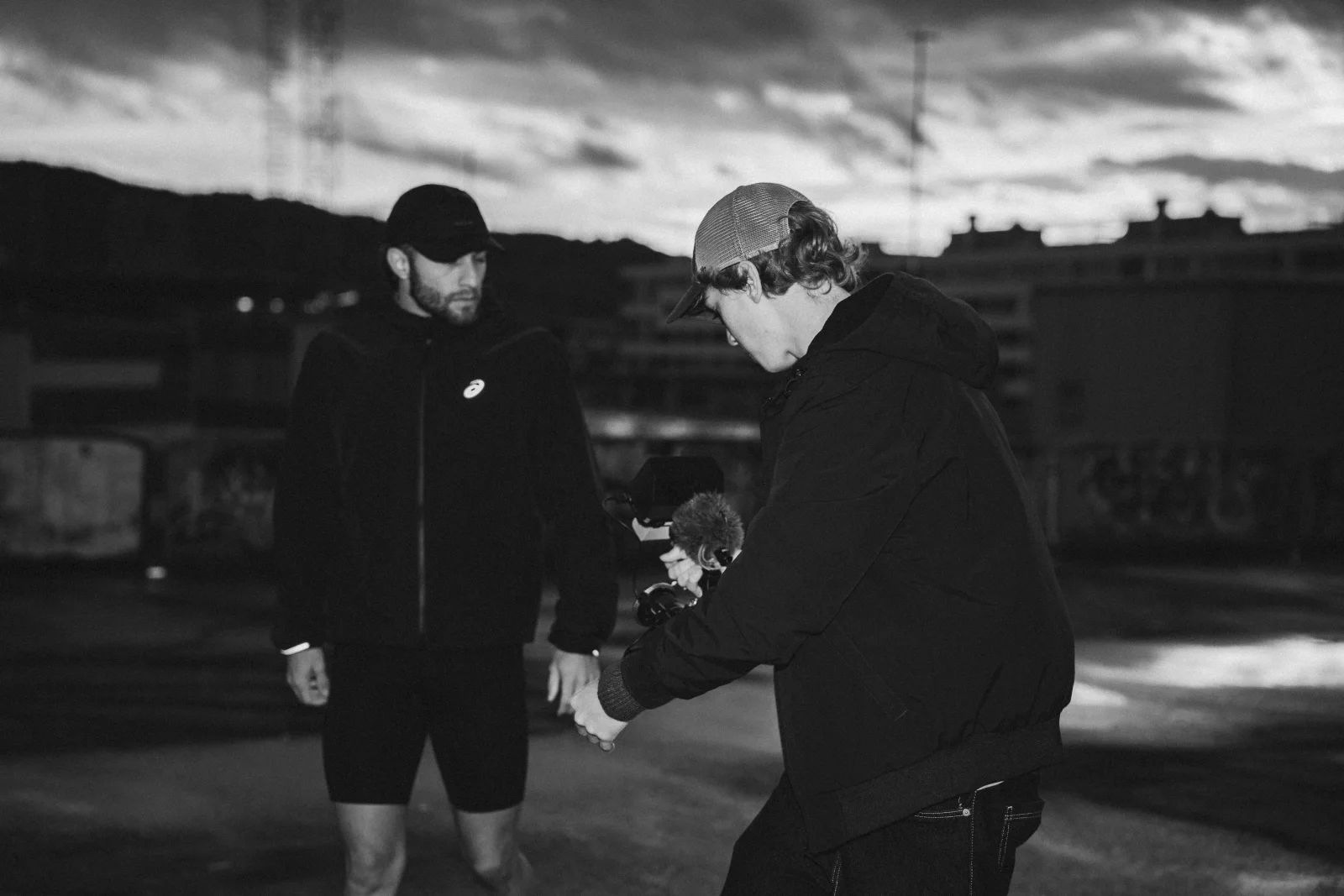

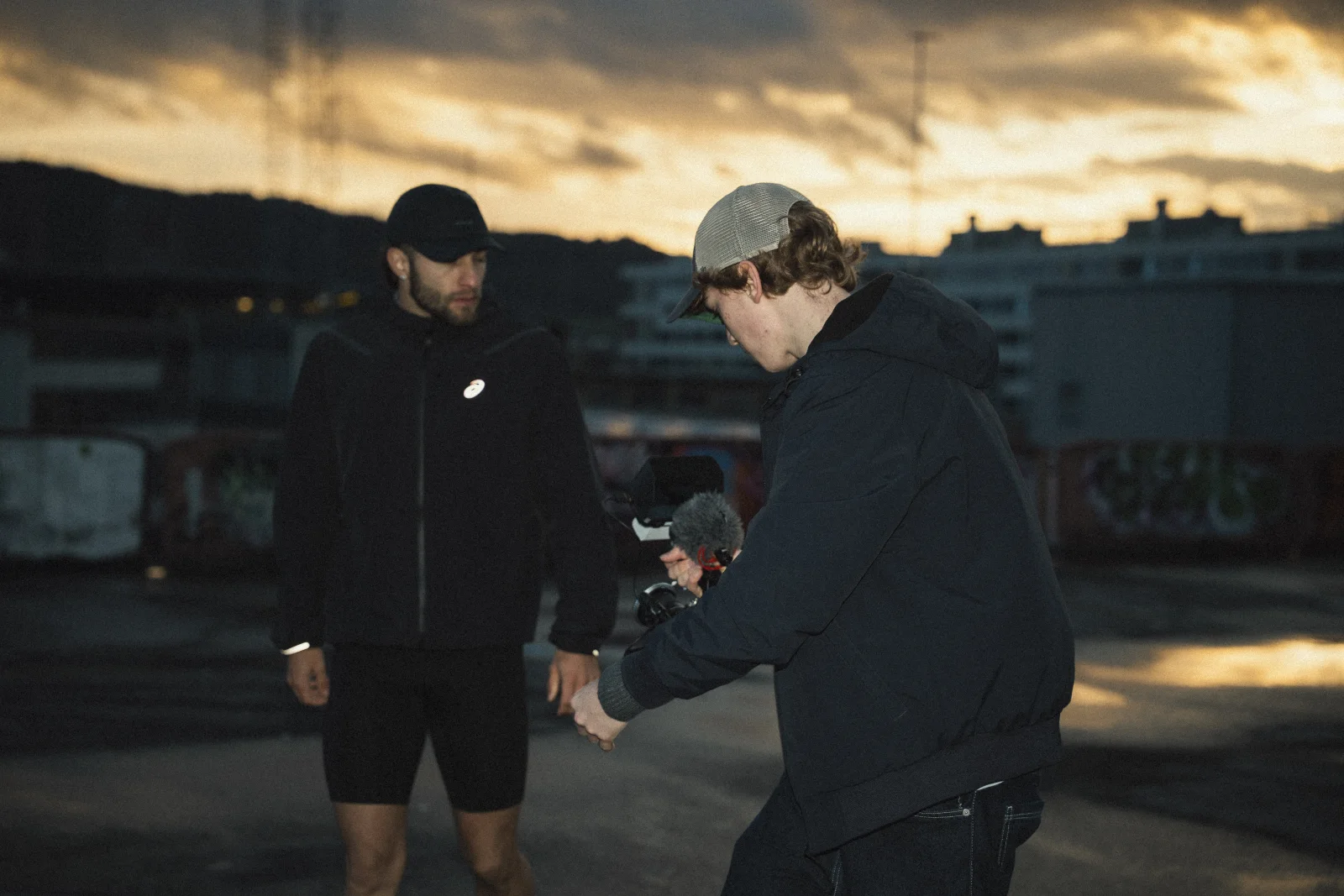
The honest part
A preset cannot read the light in your photo. So it will not nail every shot at full strength, and that is fine. Some land perfect. On others you pull the Amount slider back a bit, or fix the exposure first, and then it sits right.
Under a minute of work and the look is yours.
What early testers say
“Lua's presets are really great. The workflow is super simple: select a preset, adjust the white balance and exposure, and you're done. I travel a lot and love photographing landscapes, and these presets are very useful for that. They integrate perfectly into my color correction process. I highly recommend them, especially for beginners, since you can create a great look with just a few clicks.”

“I've always liked cinematic edits, and Lua's preset pack makes that look incredibly easy to achieve. The presets give my photos a rich, film-inspired look while still keeping everything natural. I was surprised by how quickly I could get a professional result with only minimal adjustments. My favourite presets are Super 8 and Blue Signature. They fit perfectly into my editing workflow and help me achieve a clean, consistent look in just a few clicks.”

“One thing I really like about Lua’s presets is how simple they are to use. My favourite preset is Super 8 because it gives almost every photo an instant cinematic look with just one click. The presets genuinely deliver what they promise, they’re fun to work with, and there’s always a look that fits the image. It makes editing much faster while still achieving a polished, film-inspired result.”

FAQ
Which Lightroom versions do the presets work with?
Lightroom and Lightroom Classic on desktop, plus Lightroom on your phone. The free app is enough. The pack ships desktop XMP presets and a mobile version of every look.
Do the presets work on RAW and JPG photos?
Yes, both. RAW gives you the most room to adjust, but every preset holds up on JPGs and phone shots too. Super 8 was made for exactly that.
How do I install the presets?
A short PDF guide with pictures comes in the download and walks you through the import on desktop and mobile. It takes a few minutes. No technical knowledge needed.
Are these presets good for landscape and travel photography?
That's what they were built on. The looks come from grades I finish my own travel and landscape work with, and the early testers use them mostly on landscape shots.
Do I need editing experience to use them?
No. Drop a preset on your photo, set white balance and exposure, done. If you want to go deeper, every preset is a clean starting point for your own grade.
Can I adjust how strong the look is?
Yes. The Lightroom Amount slider scales every preset from subtle to full. Some photos land perfect at 100%, on others you pull it back to around 60.
Do I get updates when the pack improves?
Yes. When I refine Volume 01, you get the updated files for free.
What exactly is included in the download?
Eight desktop presets as XMP, the same eight looks for mobile, and a PDF guide with pictures for the import. Works with Lightroom, Lightroom Classic and the free Lightroom mobile app.