
Erfahrungen mit dem Produkt
“Lua's presets are really great. The workflow is super simple: select a preset, adjust the white balance and exposure, and you're done. I travel a lot and love photographing landscapes, and these presets are very useful for that. They integrate perfectly into my color correction process. I highly recommend them, especially for beginners, since you can create a great look with just a few clicks.”

“I've always liked cinematic edits, and Lua's preset pack makes that look incredibly easy to achieve. The presets give my photos a rich, film-inspired look while still keeping everything natural. I was surprised by how quickly I could get a professional result with only minimal adjustments. My favourite presets are Super 8 and Blue Signature. They fit perfectly into my editing workflow and help me achieve a clean, consistent look in just a few clicks.”

“One thing I really like about Lua’s presets is how simple they are to use. My favourite preset is Super 8 because it gives almost every photo an instant cinematic look with just one click. The presets genuinely deliver what they promise, they’re fun to work with, and there’s always a look that fits the image. It makes editing much faster while still achieving a polished, film-inspired result.”

FAQ
Für welche Lightroom-Versionen ist Volume 01 gedacht?
Das Paket enthält XMP-Presets für Lightroom und Lightroom Classic am Computer sowie mobile Fassungen derselben acht Looks. Die Importanleitung erklärt beide Wege.
Kann ich RAW- und JPG-Dateien bearbeiten?
Ja. Du kannst die Presets auf RAW- und JPG-Aufnahmen anwenden. Wie stark sich Belichtung und Weissabgleich nachträglich korrigieren lassen, hängt von der Datei ab.
Wie installiere ich die Presets?
Im Download liegt eine bebilderte PDF-Anleitung. Sie führt durch den Import am Computer und auf dem Smartphone.
Sieht ein Preset auf jedem Foto gleich aus?
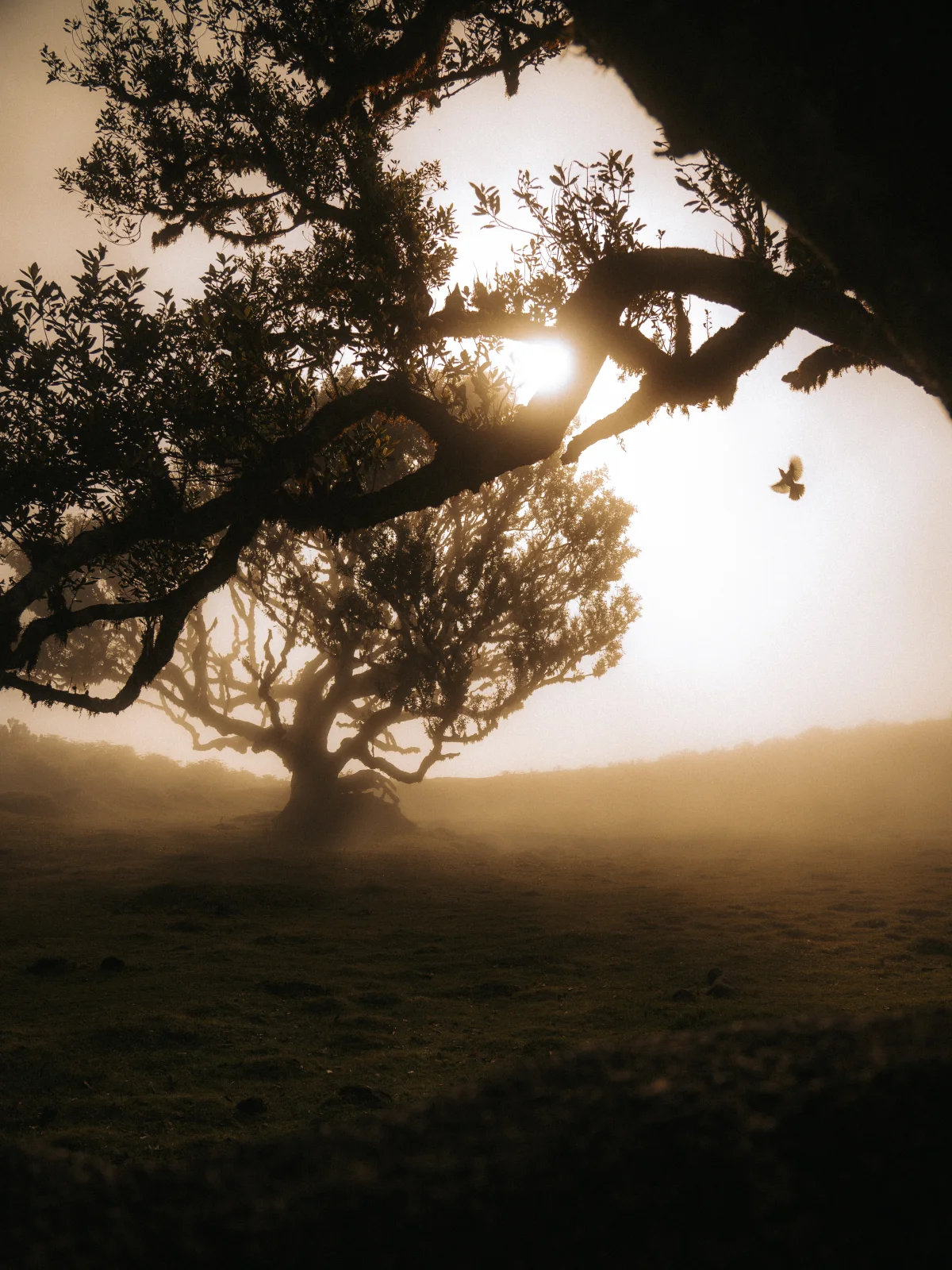
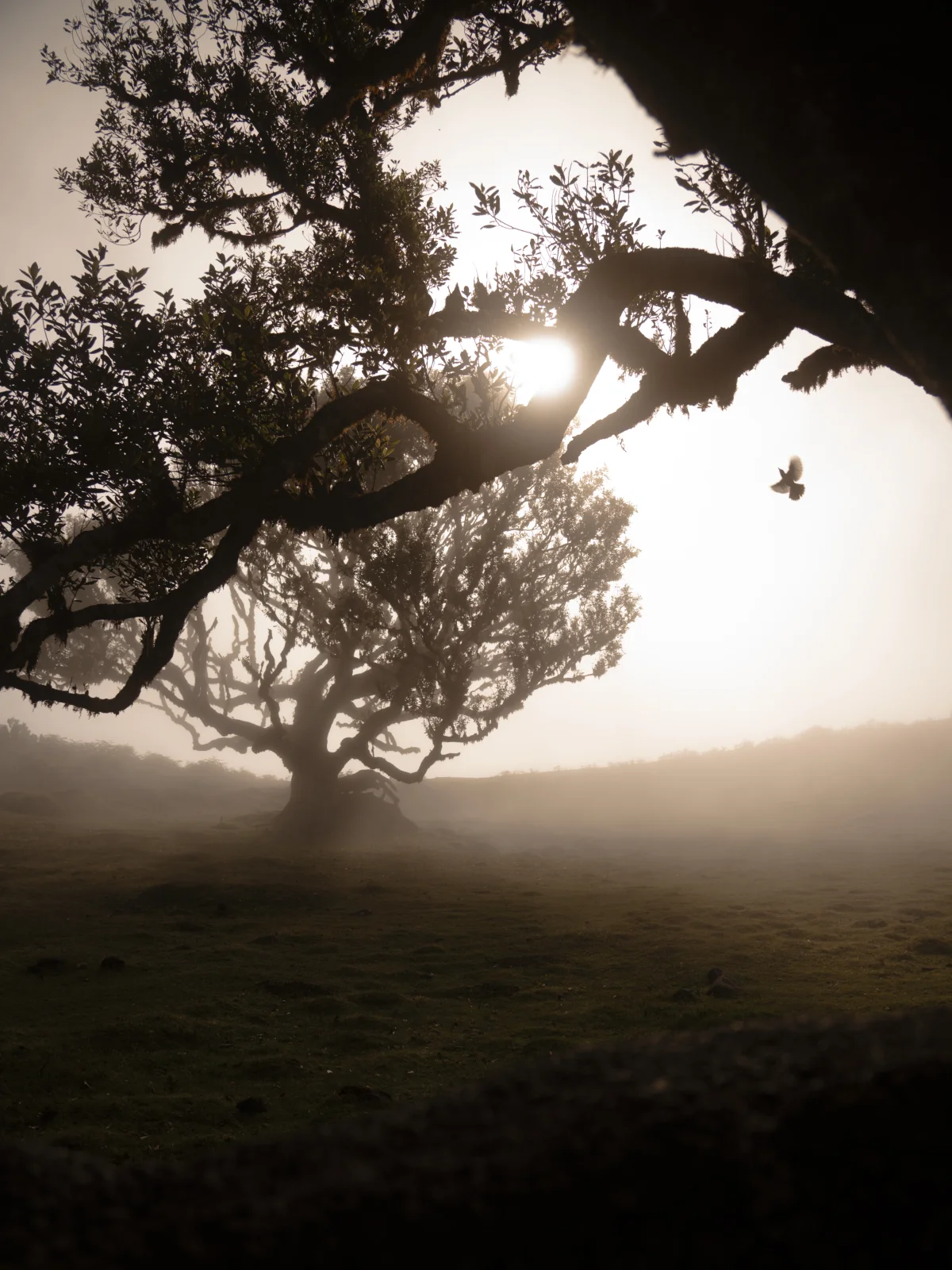
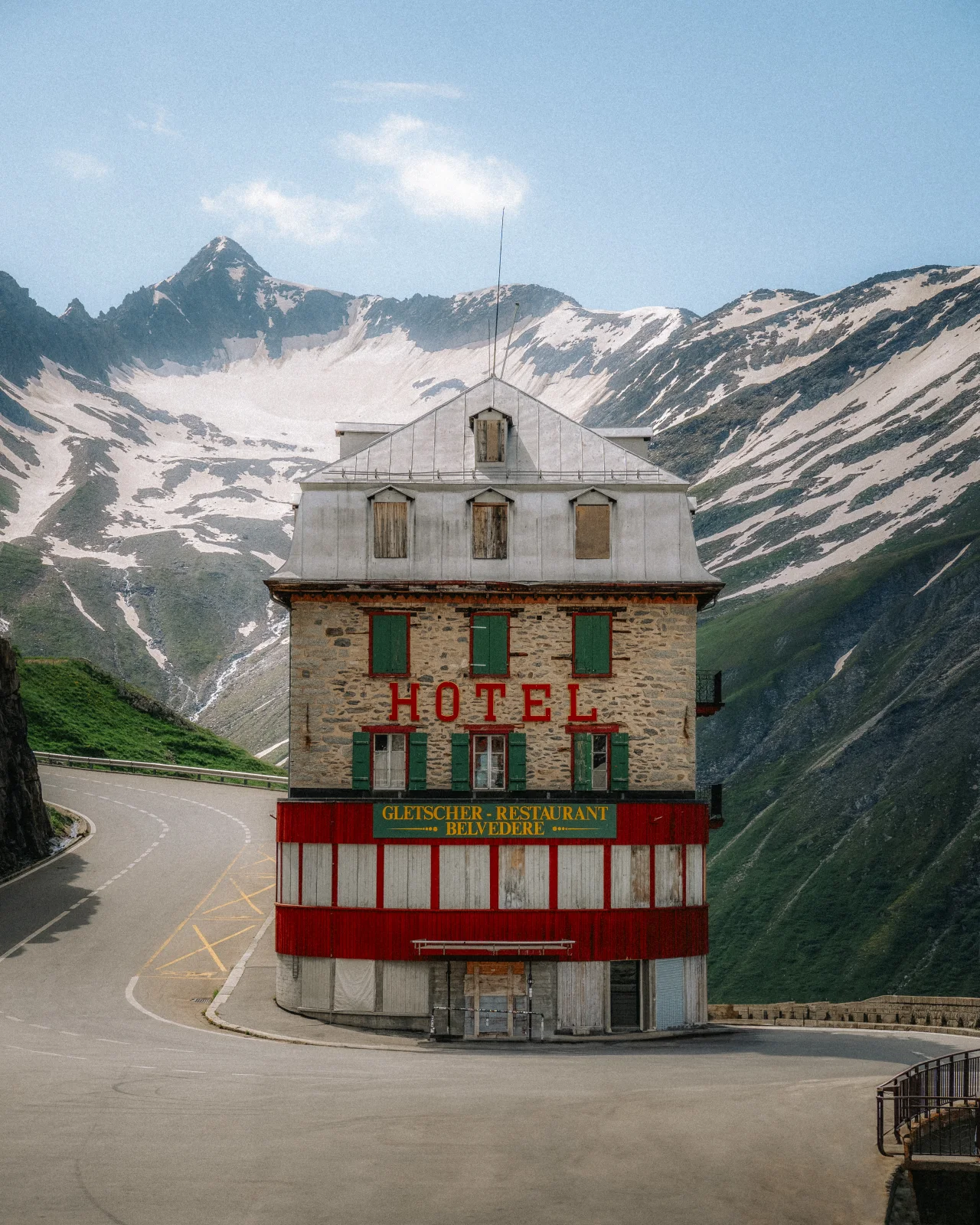
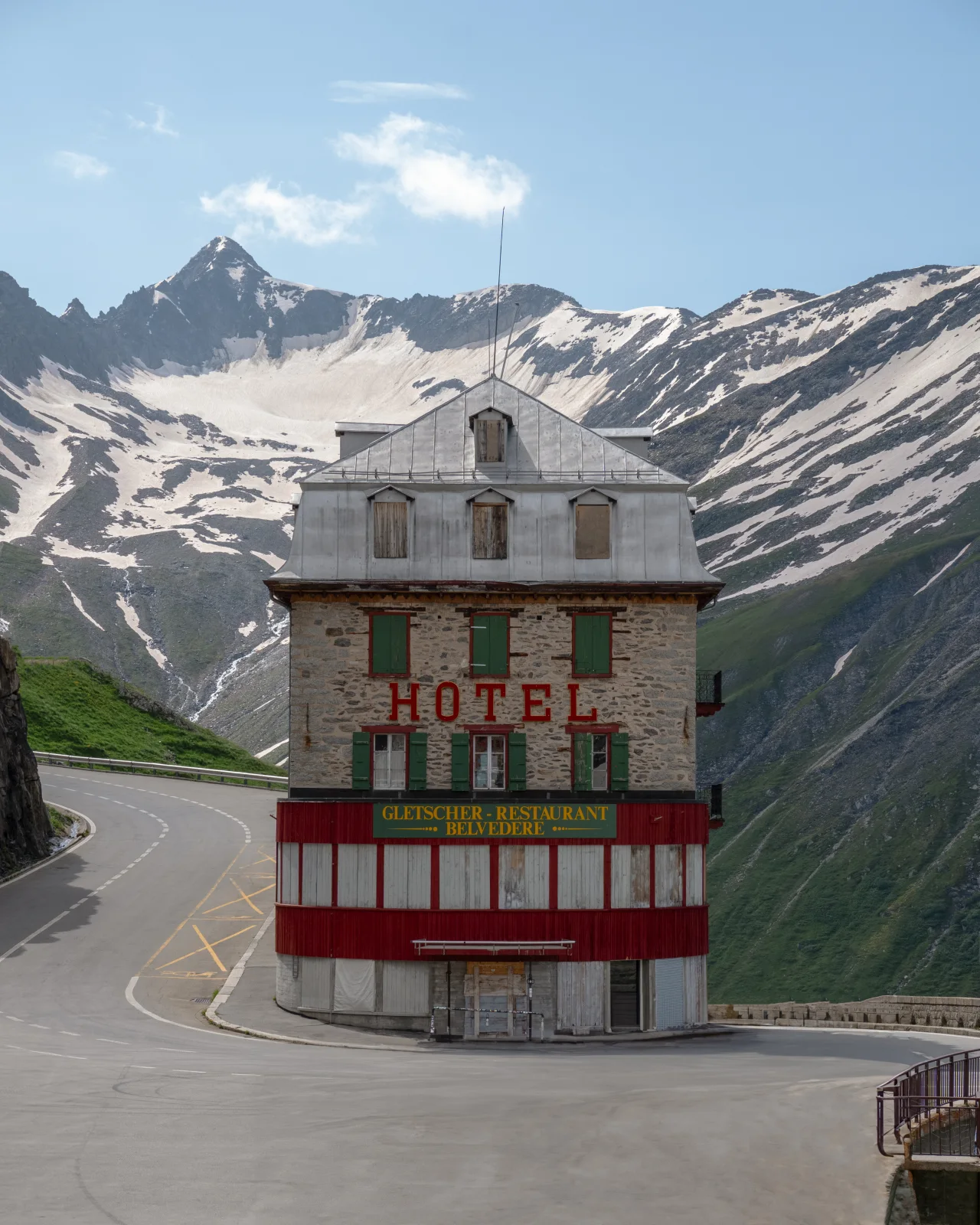
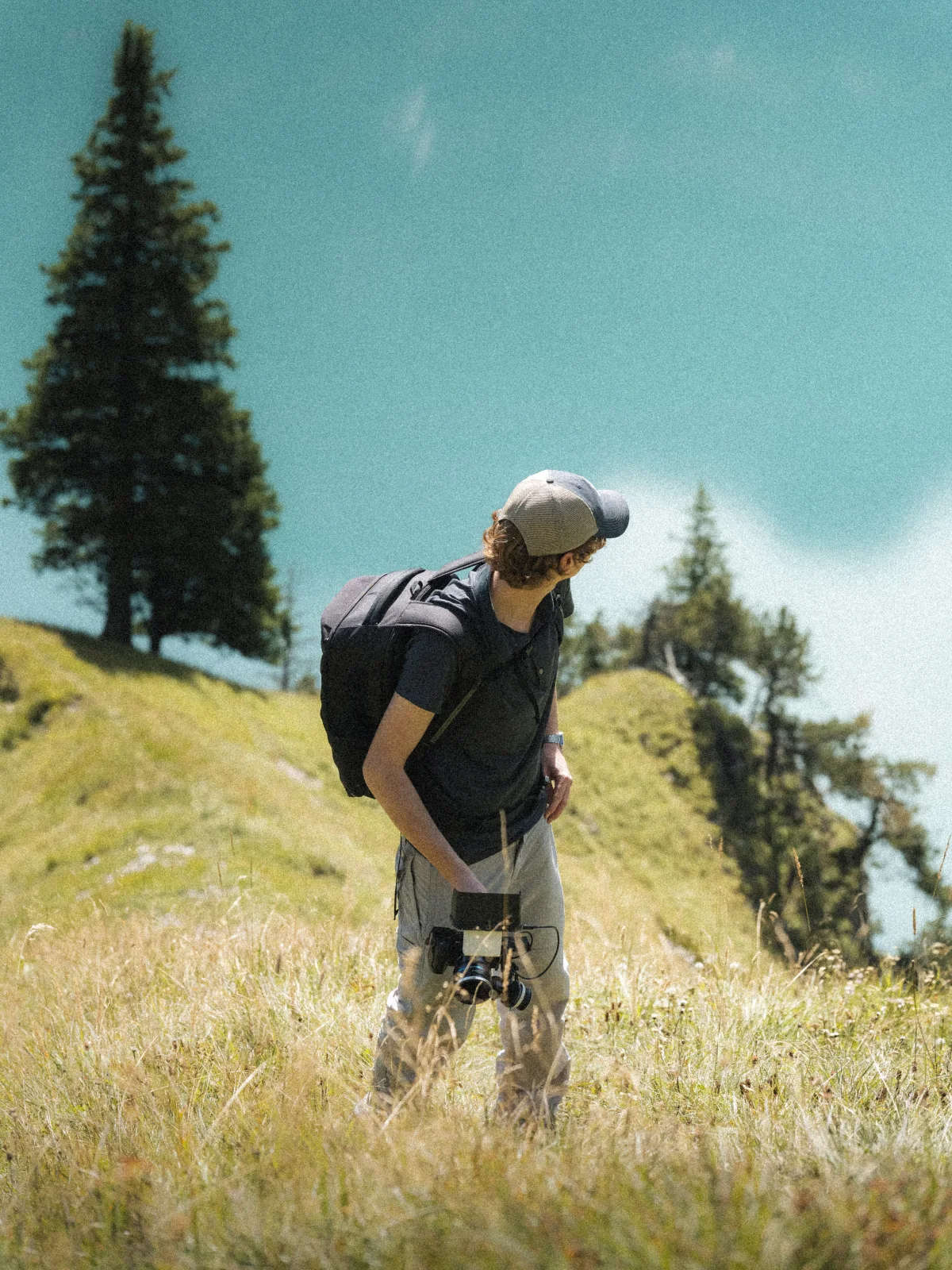
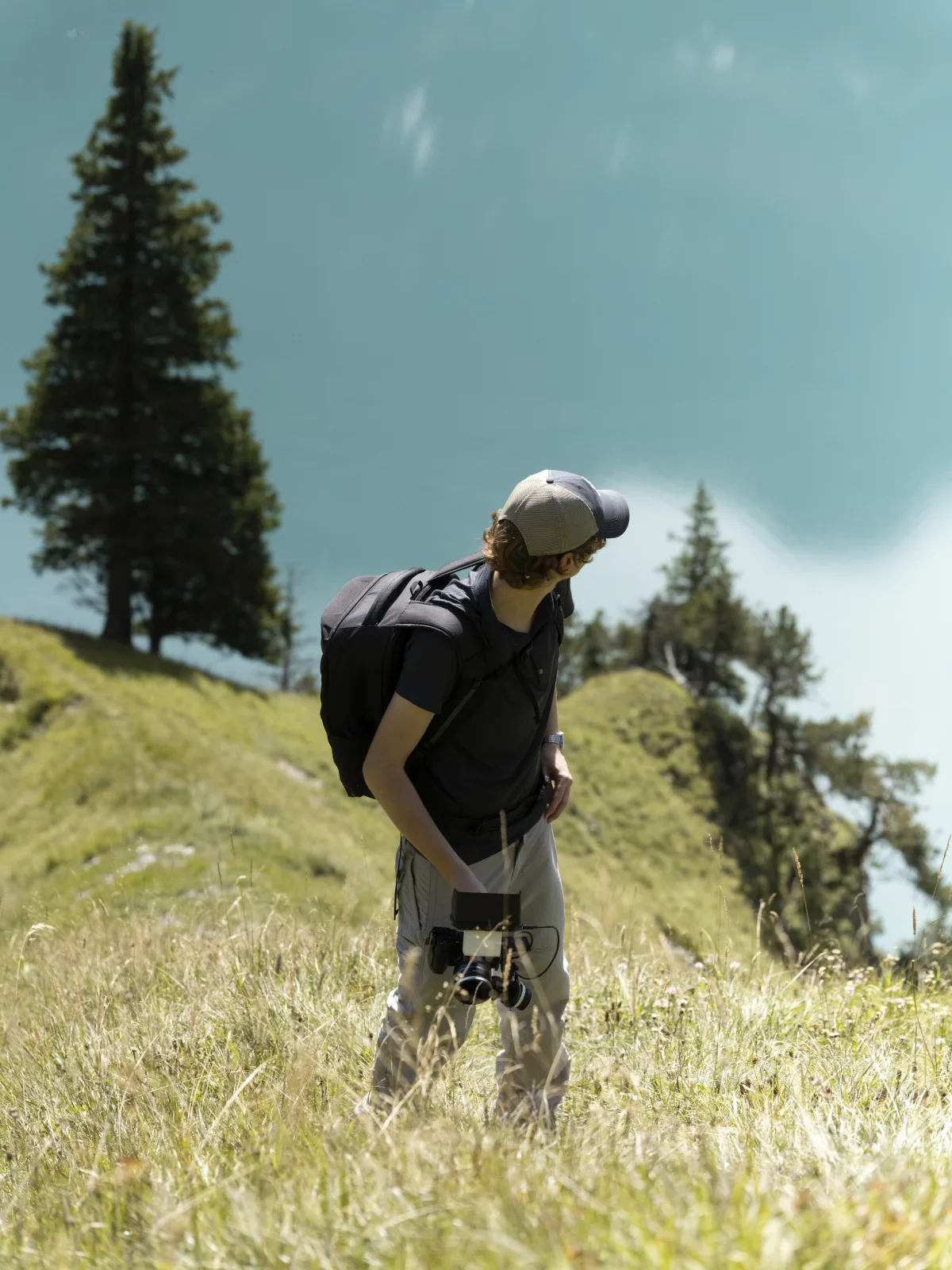
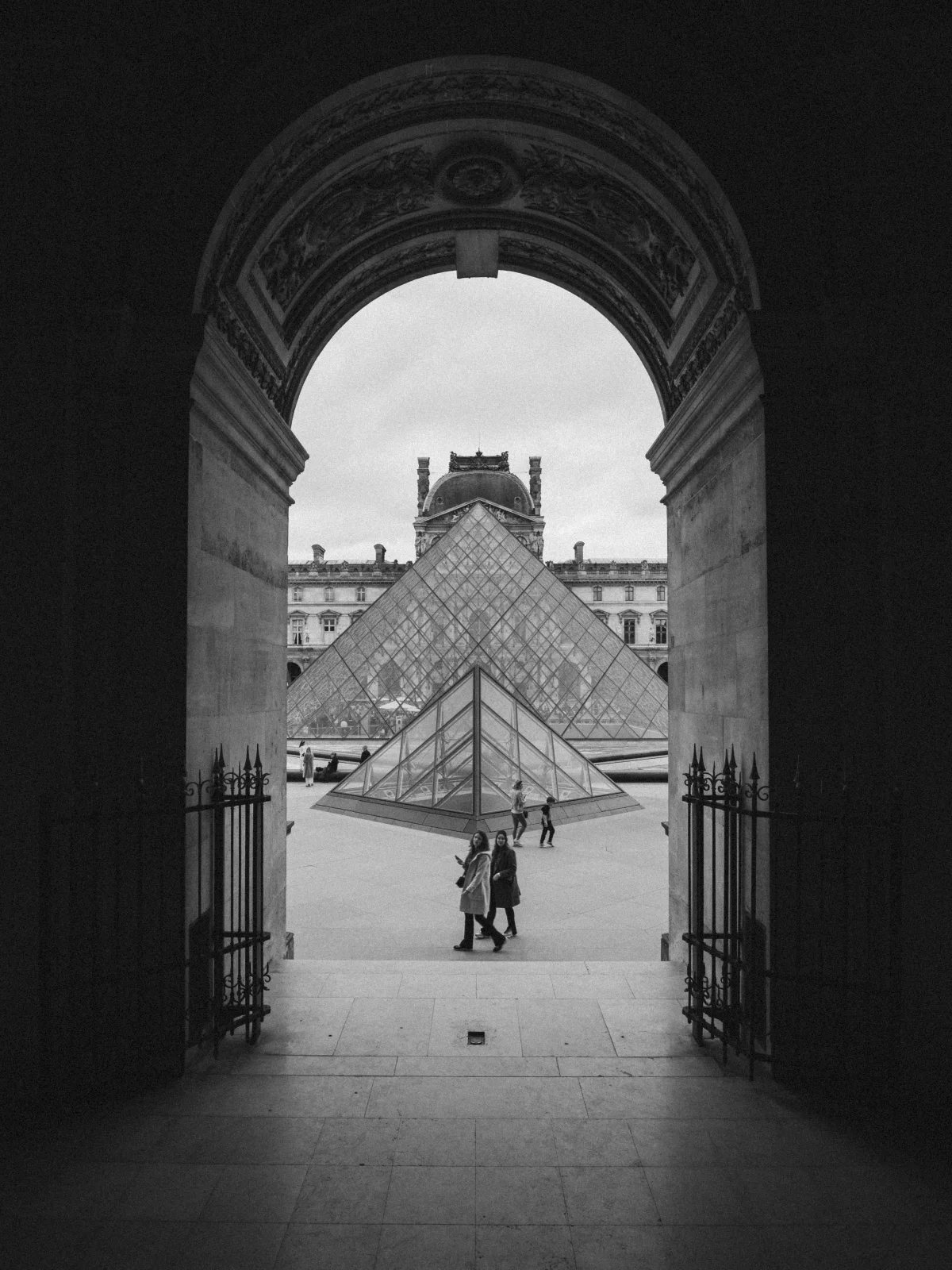
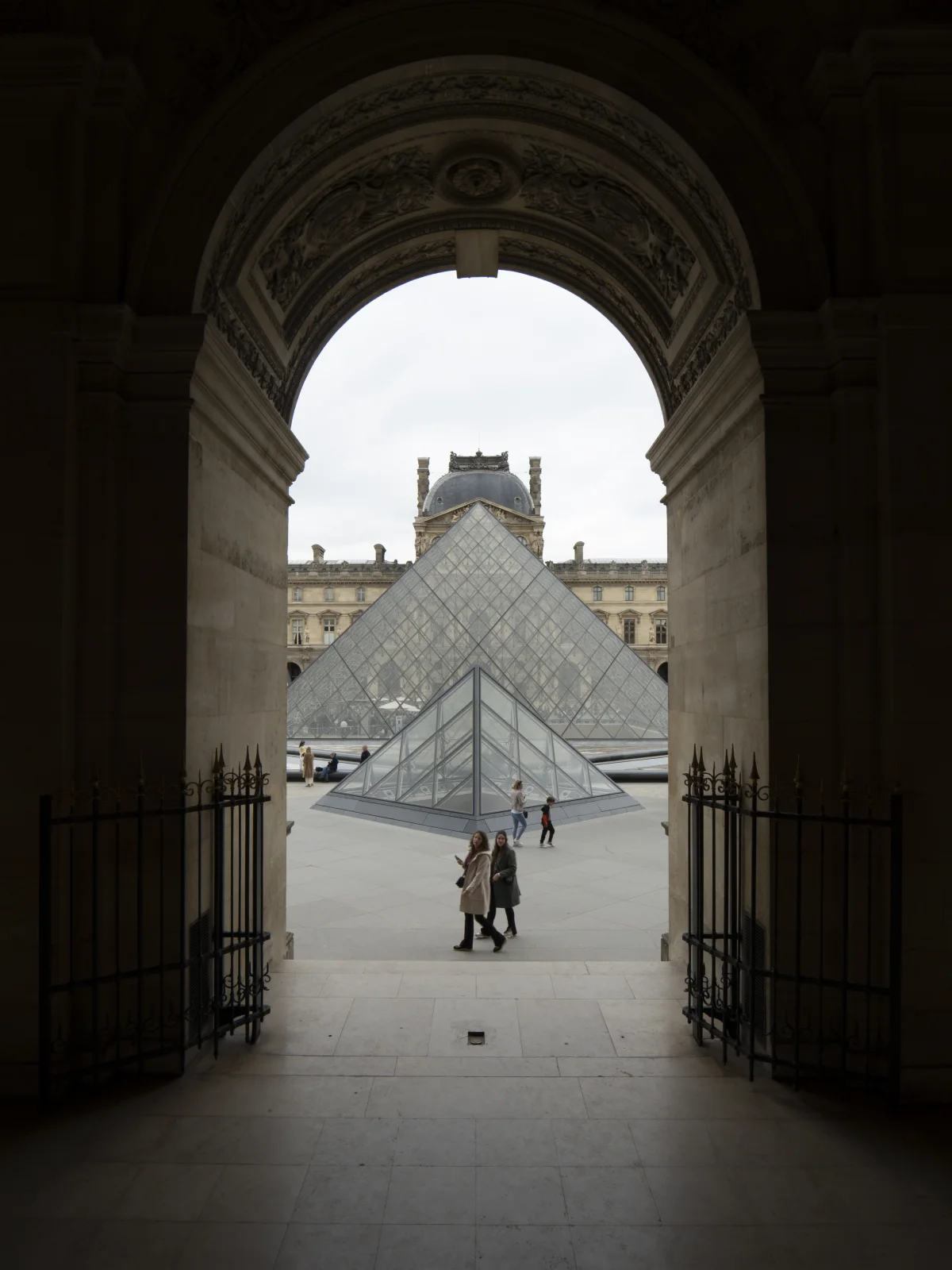
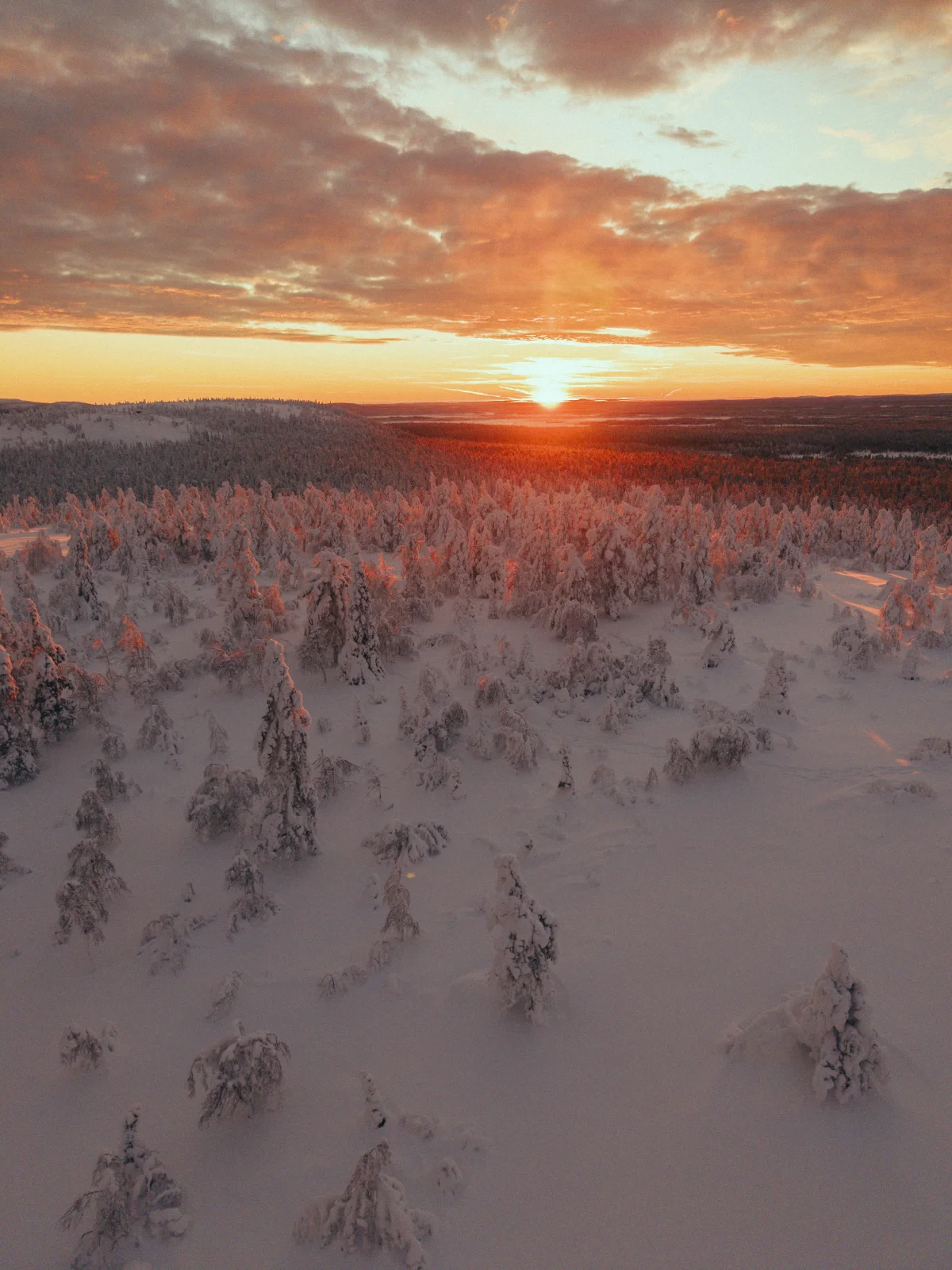
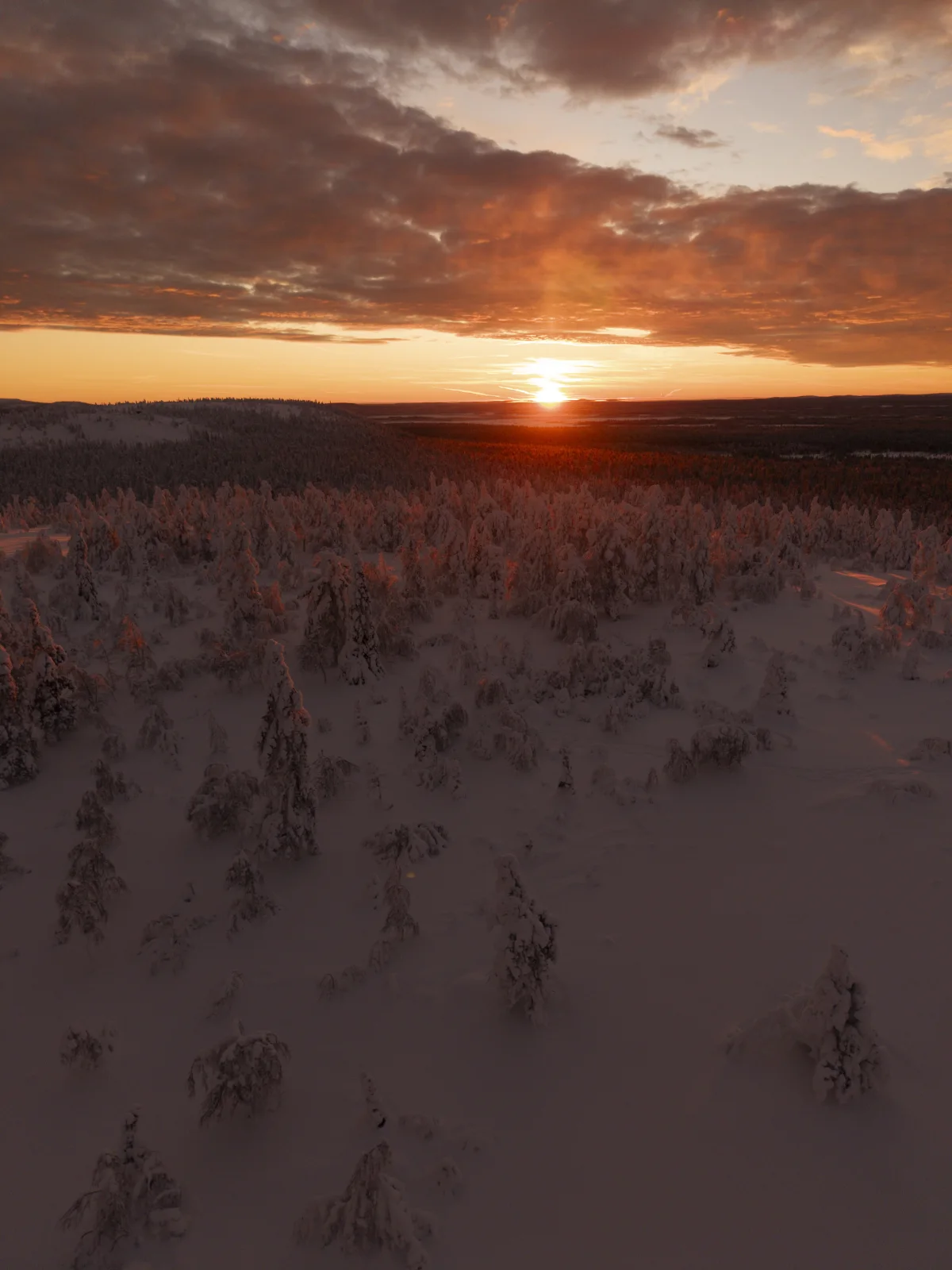
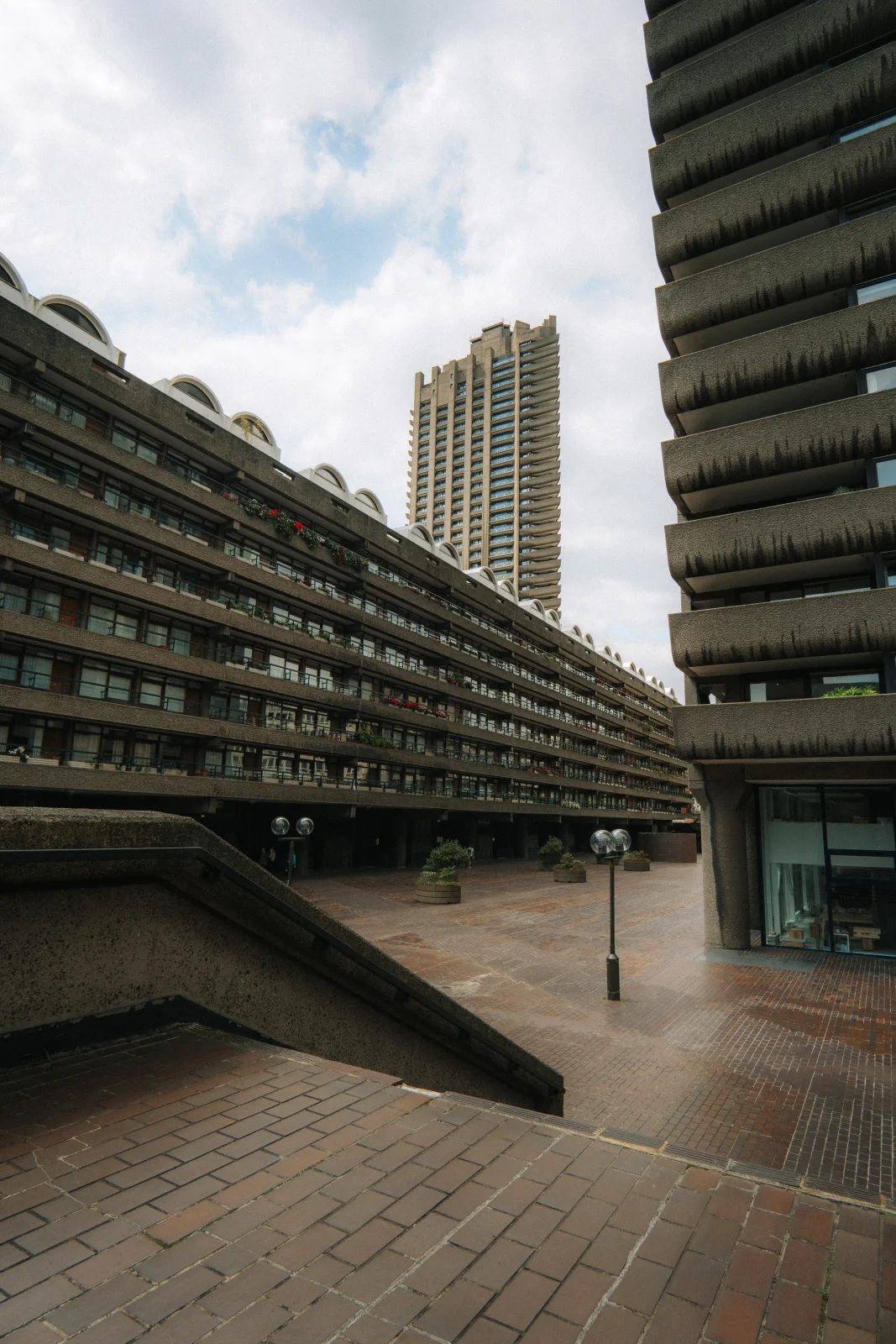
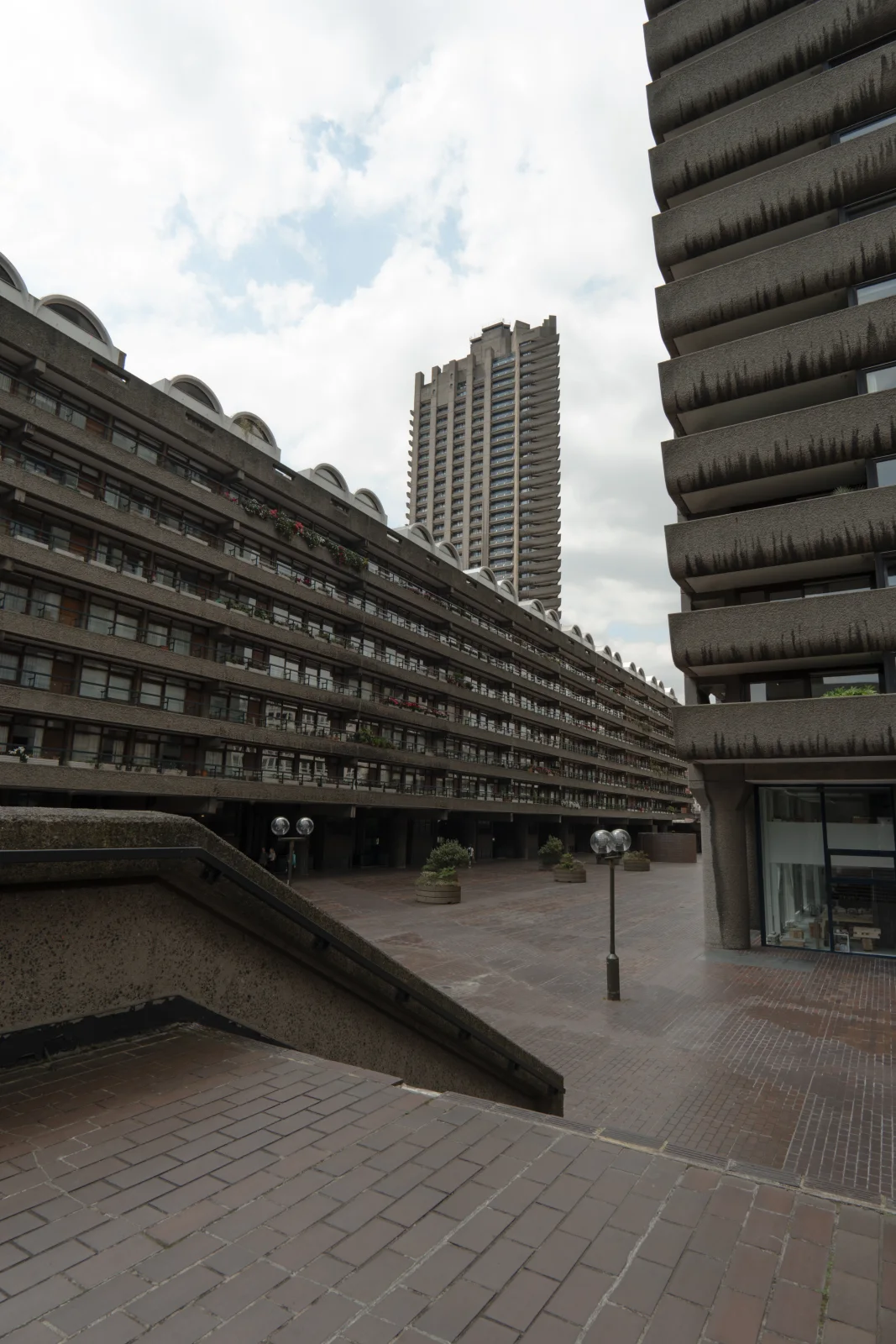
Nein, Licht und Belichtung verändern das Ergebnis. Passe den Look und den Weissabgleich an dein Foto an. Die Vorher-Nachher-Beispiele zeigen die Wirkung auf unterschiedlichem Material.
Sind spätere Korrekturen enthalten?
Korrekturen an Volume 01 sind enthalten. Weitere Volumes sind eigenständige Produkte.
Was mache ich, wenn die Dateien nicht funktionieren?
Schreib mir an hello@luahell.com. Beschreibe den Fehler und nenne deine Lightroom-Version sowie das verwendete Gerät.